5:02 PM Shift command with examples |
shift - shift command is used to shift positional parameters FORMAT DESCRIPTION
The value n shall be an unsigned decimal integer less than or equal to the value of the special parameter '#' . If n is not given, it is assumed to be 1. If n is 0, the positional and special parameters are not changed. Examples: Below is a simple script to understand the use of shift command: shanky@local:/home/shanky/test:> cat shifttest.sh #!/usr/bin/ksh print "All parameters before shift:$*" print "Param1=$1"; We have used "shift 2" to shift the positional parameters by 2 positions. When we execute the script, the output is as below:
You may notice that the first parameter is containing the value of 3rd positional paremters and so on.. |
|
|
Related blogs
You may also like to see:
| [2014-01-08] | [Open System-Linux] |
 SSH Login Setup SSH Login Setup | |
| [2014-10-06] | [Open System-Linux] |
| | |
| [2014-11-19] | [Open System-Linux] |
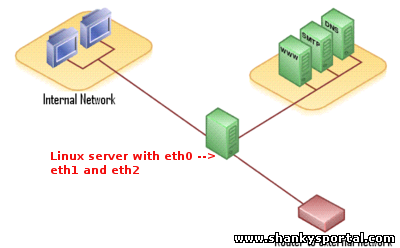 ETHTOOL : A tool in Linux to display or change ethernet card setting ETHTOOL : A tool in Linux to display or change ethernet card setting | |
| [2015-09-09] | [Open System-Linux] |
 Some funny and cool commands in Linux Some funny and cool commands in Linux | |
| [2014-03-13] | [Open System-Linux] |
 crontab: A command in linux to automatically start/repeat a process at certian time and interval crontab: A command in linux to automatically start/repeat a process at certian time and interval | |
| Total comments: 0 | |