8:25 PM FACTER command in Linux : showing system facts |
Facter - Collect and display facts/information about the system like uptime, OS info, memory usage, PATH, processor, n/w etc. FORMAT DESCRIPTION OPTIONS version: Print the version and exit. help: Print this help message. debug: Enable debugging. trace: Enable backtraces. timing: Enable timing. EXAMPLE
If no facts are specifically asked for, then all facts of the system will be printed.
We can specify a fact also and facter will return the info for that fact. For example if we want to know the uptime of the system,
You can use grep on top of facter to fetch any system information. Its really helpful to get any information about a system. Example:
|
|
|
Related blogs
You may also like to see:
| [2014-04-10] | [Open System-Linux] |
| | |
| [2017-01-21] | [Open System-Linux] |
 Useful tips and tricks while working in Linux. Useful tips and tricks while working in Linux. | |
| [2014-12-16] | [Open System-Linux] |
| | |
| [2015-07-18] | [Open System-Linux] |
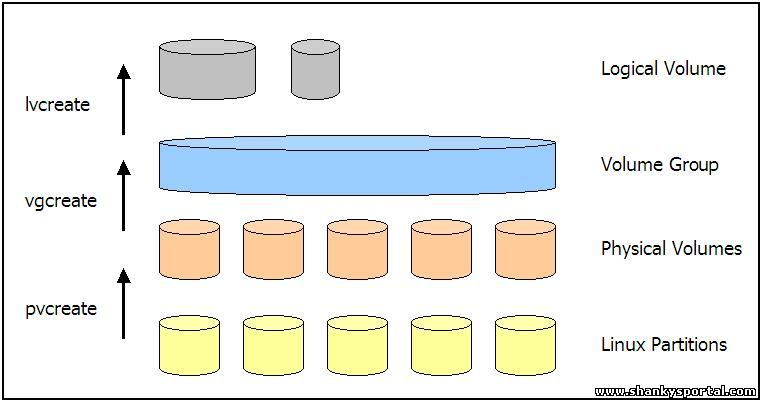 Creating and Managing Logical Volume Manager in Linux Creating and Managing Logical Volume Manager in Linux | |
| [2015-04-23] | [Open System-Linux] |
 15 Great DATE command examples 15 Great DATE command examples | |
| Total comments: 0 | |